 ThemeStore
Store
Docs
FAQ
Categories and tags
Eight fixed categories, up to three per listing, and free-text tags for everything else.
On this page
Categories#
Every listing carries between one and 3 of these, and the list does not grow:
| Id | Label |
|---|---|
minimal | Minimal |
dashboard | Info dashboard |
retro | Retro |
futuristic | Futuristic |
nature | Nature |
playful | Playful |
gaming | Gaming & fandom |
productive | Productive |
The ids are language-neutral because they are stored, they appear in /categories/{id} addresses, and search engines index those addresses. A German or English word there would have to stay forever or break every existing link. Clients translate the id for display.
The list is short deliberately. Categories are the coarse axis you browse by; the fine one is tags. A taxonomy that grew with every upload would become a second, worse tag system: a hundred half-empty pages nobody browses.
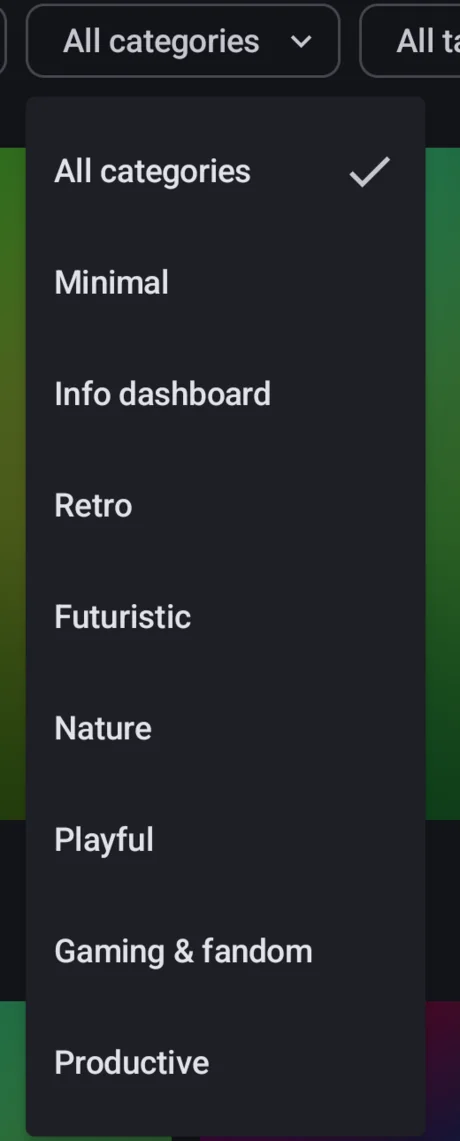
Three is the ceiling per listing because a theme really can be minimal and an info dashboard, so one was too few, but without a ceiling a fair share of uploads tick everything that half applies, and then all eight pages show the same stock.
Tags#
Tags are free text and carry the long tail: dark, gradient, amoled, the name of an icon pack, the game a theme is about. They are what a tag page and search are built on.
Two habits make them useful:
- Describe the theme, not the store.
free,newandbestsay nothing that the listing does not already say. - Use the words someone would search for, not the ones you invented while building it.
Documentation for launcher 0.1.0-alpha Android 12 and later last updated